
Your own internet connection in your office
Some of our members are part of a larger company with its own IT department, and that IT team would rather run its own network. We're not offended. You can rent an office from us and bring in your own internet connection, from a provider at your location, set up and managed by your own IT team.
Most members use the managed network that comes with their office. This page is for companies that want their own.

Is your own internet connection right for you?
Your own internet connection makes sense only if someone on your side can run a business network. That usually means one of these:
- Your company has its own IT department.
- You pay a managed services provider (MSP) to run your network.
- You, or someone on your staff, can set up and manage a business network yourselves.
Office Ours doesn't support any network setup beyond our own equipment. Once your connection reaches your office, the router, firewall, Wi-Fi and everything behind them are yours to set up and look after.
Does your IT team just have questions about our network before deciding? Send them our way. We answer IT teams' questions all the time.
What do you give up with your own connection?
Your own connection skips our managed network, so it skips what comes with it.
No backup connection
Our managed network has two internet connections with automatic failover. Your own connection is a single line, so if it goes down, your office is offline until it's fixed.
Your IT team calls the provider
We monitor our own network around the clock and deal with our providers. With your own connection, your IT team watches it, calls the provider and waits for the repair.
Which internet providers are available?
Each location has different internet providers available. In most cases, the provider's fiber already runs into our IT closet and their equipment is already installed, so getting your own line can be quick.
These providers have a connection to at least one of our locations:
- AT&T Fiber
- Celito
- Conterra
- Google Fiber
- Lumen (formerly CenturyLink)
- Kinetic (formerly Windstream)
Availability depends on the location. Ask usLink: new page which providers serve the location you're interested in.
How to get your own internet connection
Five steps. Each step says what you do and what we do.
1Step 1: Ask which providers serve your locationBefore you sign up for anything
You
Tell us you'd like your own internet connection and which location you're interested in. We'll tell you which providers already have a connection there.
In some cases, we can also refer youLink: new page to a salesperson at the provider.
2Step 2: Sign up with the providerDirectly, in your company's name
You
Call the provider and sign up for their service. Your contract is between your company and the provider.
Read the terms before you sign. Some providers require a long-term contract and others don't. If the provider already has fiber in our IT closet, you usually shouldn't have an installation charge for the line, but ask them to be sure.
3Step 3: Schedule the installation with usSomeone has to let the installer in
You
Once the provider gives you an installation date, coordinate it with our staff. Our IT technician meets the installer, lets them into the IT closet and supervises the installation of your separate network. There's a one-time setup fee for the technician's time.
No installer may run new cable or drill into the building without our written permission, so please don't schedule an installation without us.
4Step 4: Installation dayThe line comes to your office's Ethernet port
Us
On installation day, the provider connects your service in the IT closet, and your internet connection is plugged directly into the Ethernet port in your office.
What ends up in your office depends on the provider. Some, like Google Fiber, install one box in our IT closet and a second box in your office. Others deliver a live internet connection straight to your office's Ethernet port.
5Step 5: Connect your equipmentYour IT team takes it from here
You
Plug your company's router or firewall and switch into the Ethernet port in your office. From there, your IT team sets up and manages your network.
Questions about any step? Ask a question or call the number at the top of this page.
Your IT team runs your network. The office is our problem.
Frequently asked questions
Can my company use its own internet connection in an Office Ours office?
Yes. If your company has its own IT department or managed services provider, you can sign up with a provider available at your location and have the connection brought to the Ethernet port in your office. Your IT team sets up and manages everything from there.
Does Office Ours charge a fee to set up my own internet connection?
Yes, a one-time setup fee. Our IT technician meets your provider's installer, opens our IT closet and supervises the installation of your separate network. There's no monthly fee from us.
Will I have to pay an installation fee?
Usually not for the line itself, if the provider already has fiber in our IT closet. Each provider sets its own fees and contract terms, so ask them before you sign up.
Do I have to sign a long-term internet contract?
It depends on the provider. Some require a long-term contract and others don't. If you use the internet that comes with your office instead, there's no internet contract to sign.
Can we install our own wireless access point?
It depends. If no other member at the location has set up a private access point, we may give you permission to set up a single access point for your employees. Your IT team would coordinate with our IT staff to choose a channel that doesn't interfere with the access points we've installed.
Will Office Ours help if my own connection goes down?
Your IT team handles the provider and the repair. We can let the provider's technician into the IT closet. Our managed network, with its backup connection and 24/7 monitoring, covers only the internet we provide.
Additional Services available

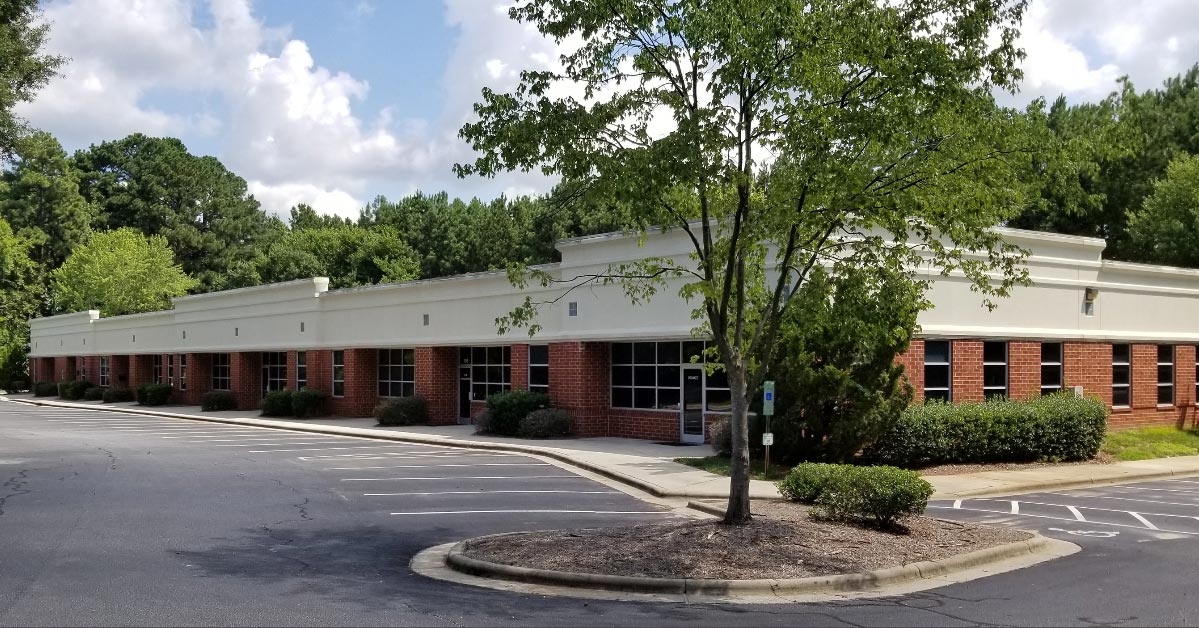
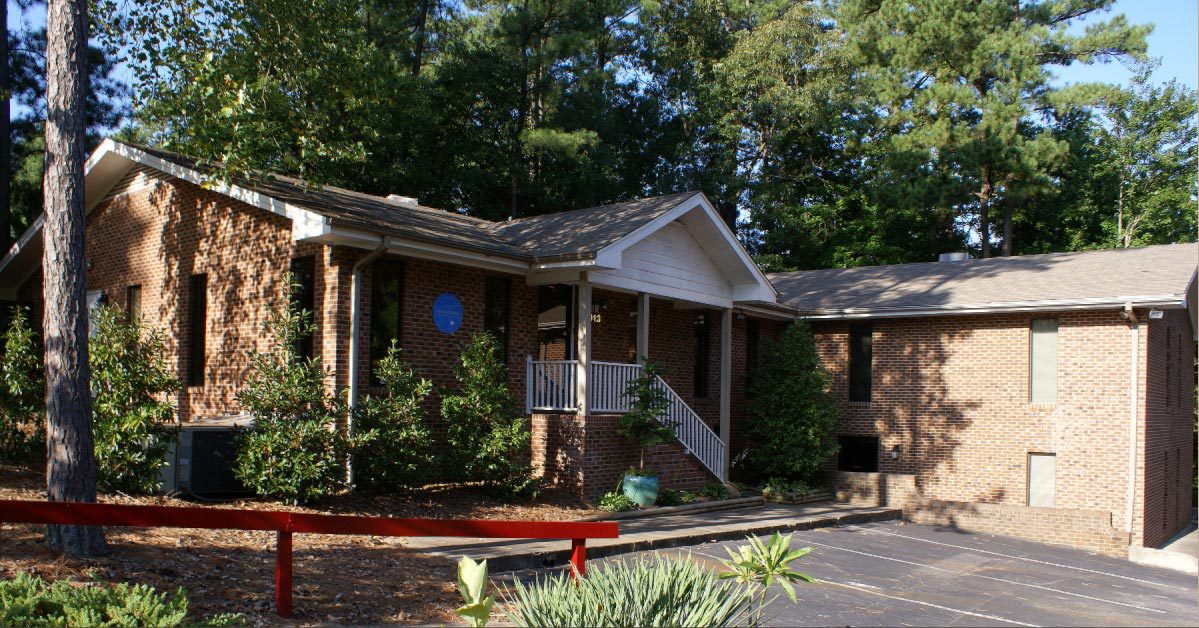
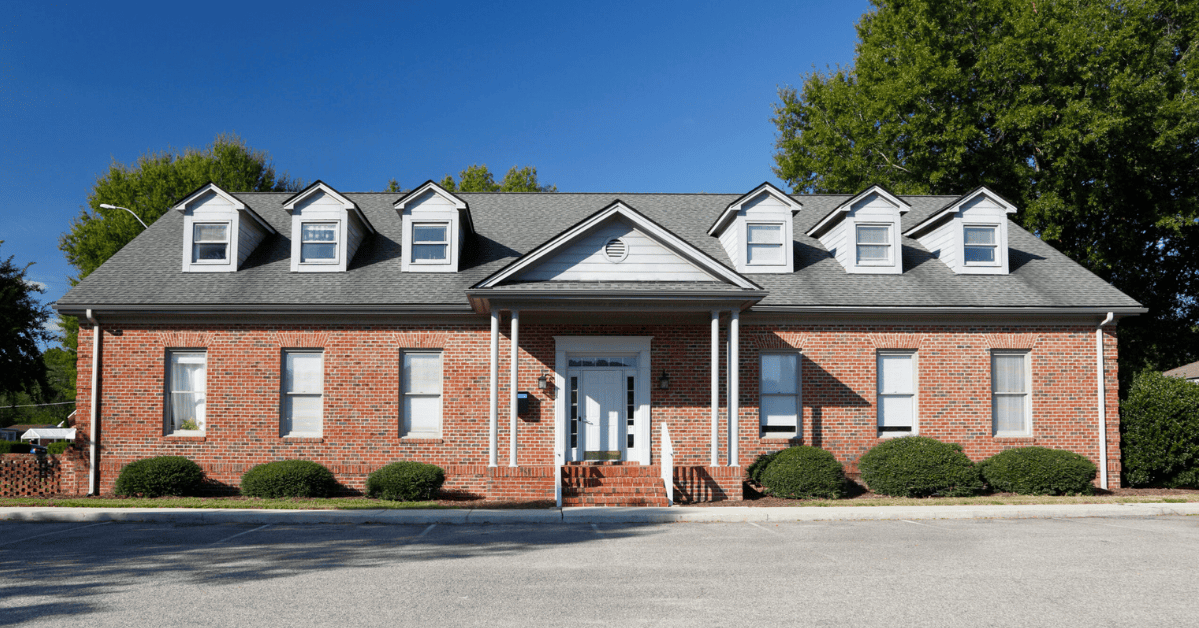
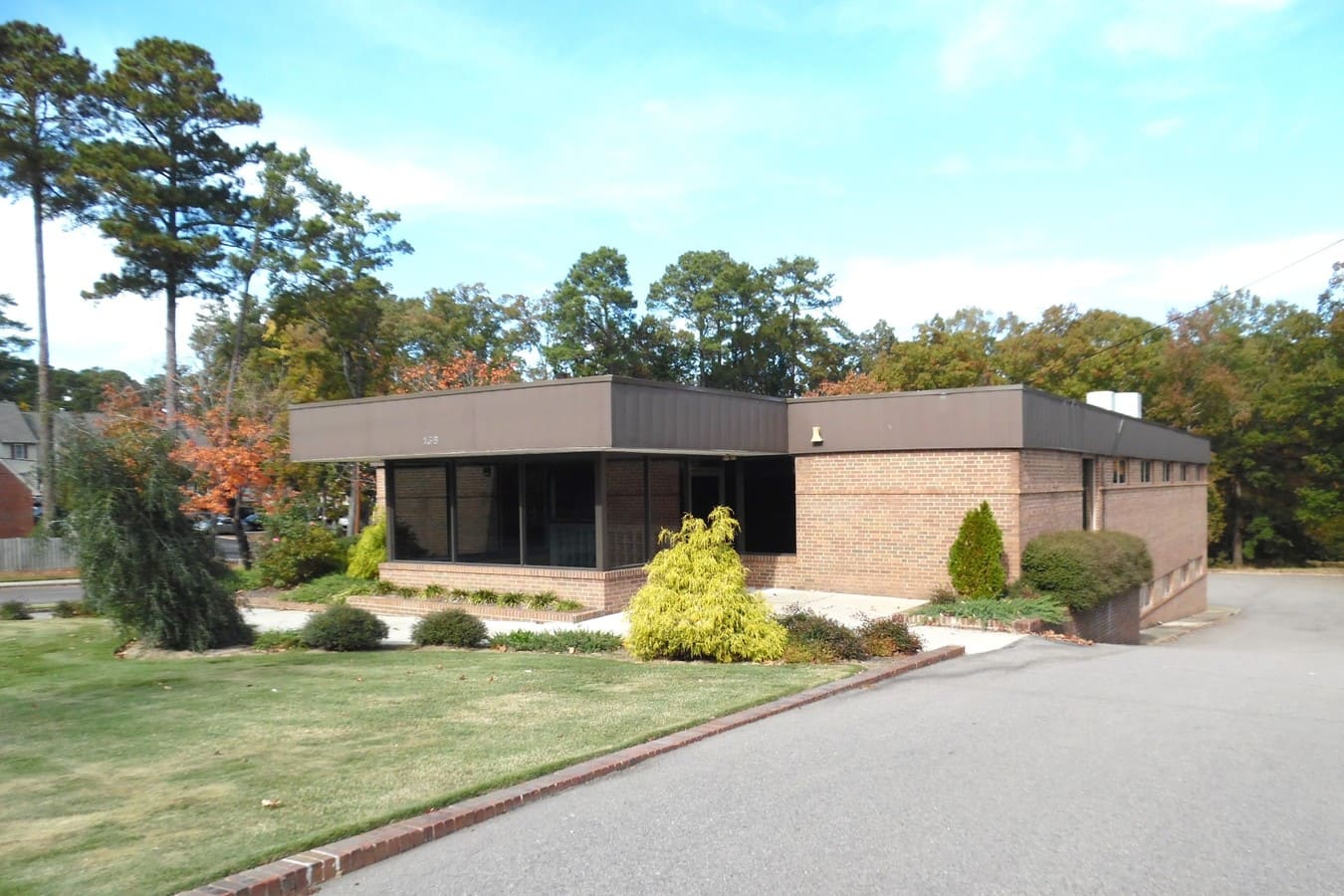
Available at the Following Locations
Have an IT team with questions?
Send them our way, or tell us which location you’re considering. Or call the number at the top of this page.