
Business Wi-Fi and Ethernet, ready when you move in
Moving into a new office usually means a week of IT chores: buying a router, waiting on the internet company, running cables, and figuring out why the printer won't connect.
Every hour spent on that is an hour you're not spending with clients.
At Office Ours, business Wi-Fi and Ethernet are already set up and running, included with your office. Every employee gets their own Wi-Fi login, which puts their devices on your company's own private network, so your team can plug in and get to work on day one.

Wi-Fi or Ethernet: which should you use?
Use both. Wi-Fi keeps your team moving; Ethernet keeps the equipment that never moves connected all day.
Wi-Fi, for getting around
Wi-Fi is for convenience and mobility. Take your laptop, phone or tablet from your desk to the conference room or the kitchen and stay connected.
Ethernet, for what stays put
Ethernet is for stationary devices, like a desktop computer, a printer, a server or a VoIP phone. Every office has at least one Ethernet port in the wall, wired back to our managed network.
Wi-Fi at every location
Open your laptop and start working at one of our locations. Close it, drive to another location, open it again, and keep working as if you'd been there all day. Member Wi-Fi covers every one of our locations, so your workday goes wherever you do.
Your own login, your own private network
A shared Wi-Fi password ends up on a sticky note, in a former employee's phone and on the guest's laptop. Ours doesn't work that way.
- Every employee gets their own login. We email each person their Wi-Fi username and password when your lease starts, and they're always in the member portal.
- Signing in puts them on your network. Devices that sign in with your company's logins join your company's private network, where they can reach each other and no one else can reach them.
- Devices that can't sign in still connect. Add a printer, camera or smart speaker to your private network by entering its MAC address in the member portal.
- Access follows your team. Logins start when your lease begins. Hire someone or say goodbye to someone, and a help desk ticket in the member portal adds or turns off their login.
What can you connect?
If it runs your business, it can probably run on our network. Members commonly connect:
Usually on Wi-Fi
- Laptops
- Phones and tablets
- Smart speakers and TVs
- Wireless printers
Usually on Ethernet
- Desktop computers
- Printers and scanners
- Servers and network storage
- VoIP phones
- Security cameras
- Card readers and point-of-sale (POS) equipment
Setting up the network is our job. Plugging in is yours.
Frequently asked questions
Questions marked Technical question are for IT teams.
Is Wi-Fi included with my office?
Yes. Wi-Fi, Ethernet and the internet connection behind them are included with your office, with nothing to buy or set up.
Does every office have an Ethernet port?
Yes. Every office has at least one Ethernet port, and some have two.
What if I need more Ethernet ports?
Plug a small Ethernet switch into the wall port, and plug your devices into the switch. If you need more cables run to your office, we can do that for an added fee.
Do my employees share one Wi-Fi password?
No. Each employee gets their own login, which puts their devices on your company's private network. Please don't share logins.
How do I add a new employee to the Wi-Fi?
Open a help desk ticket in the member portal with your employee's details. We'll set them up with their own Wi-Fi login, along with a member portal account and a keycard (new keycards come with a fee for the card).
What happens to an employee's Wi-Fi login when they leave?
Open a help desk ticket in the member portal with their last day, and we'll turn off their login. Because no one shares a password, no one else has to change theirs.
Can I use the Wi-Fi at other Office Ours locations?
Yes. Sign in to the member Wi-Fi at any of our locations. Devices on your private network at your own location can't be reached from another location.
Can my clients use the Wi-Fi?
Yes. Your clients and visitors can use our guest Wi-Fi after a quick sign-in. It's a separate network that can't reach your devices.
Do virtual office and conference room members get Wi-Fi?
Yes. They use the member Wi-Fi, where each device is kept separate from everyone else's. A private network for your company comes with an office.
Can we bring our own VoIP phone system?
Yes. Plug your VoIP phones into the Ethernet port in your office, or into a small switch if you have more phones than ports, and they connect to your company's private network.
Will you help us connect?
Yes. We'll help you connect your computers to the Wi-Fi and install the drivers for our shared printer. We don't support your own software or devices beyond making sure they connect to the network. For more, ask about our trusted IT advisors.
Technical questionHow do we connect a device that doesn't support 802.1X?
Enter the device's MAC address in the member portal. A few minutes later, it connects to your private network by MAC authentication, over Wi-Fi or Ethernet.
Technical questionOur laptops run an always-on VPN. Will a sign-in page get in the way?
No. Register each laptop's MAC address in the member portal, and it's authenticated by MAC address without a sign-in page.
Additional Services available

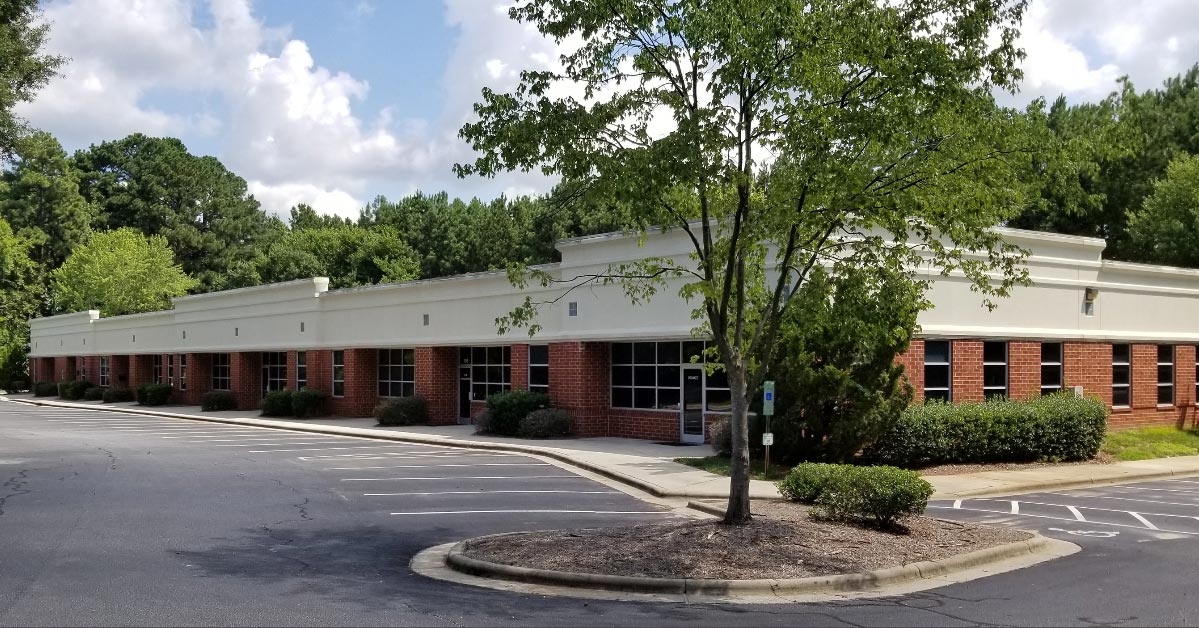
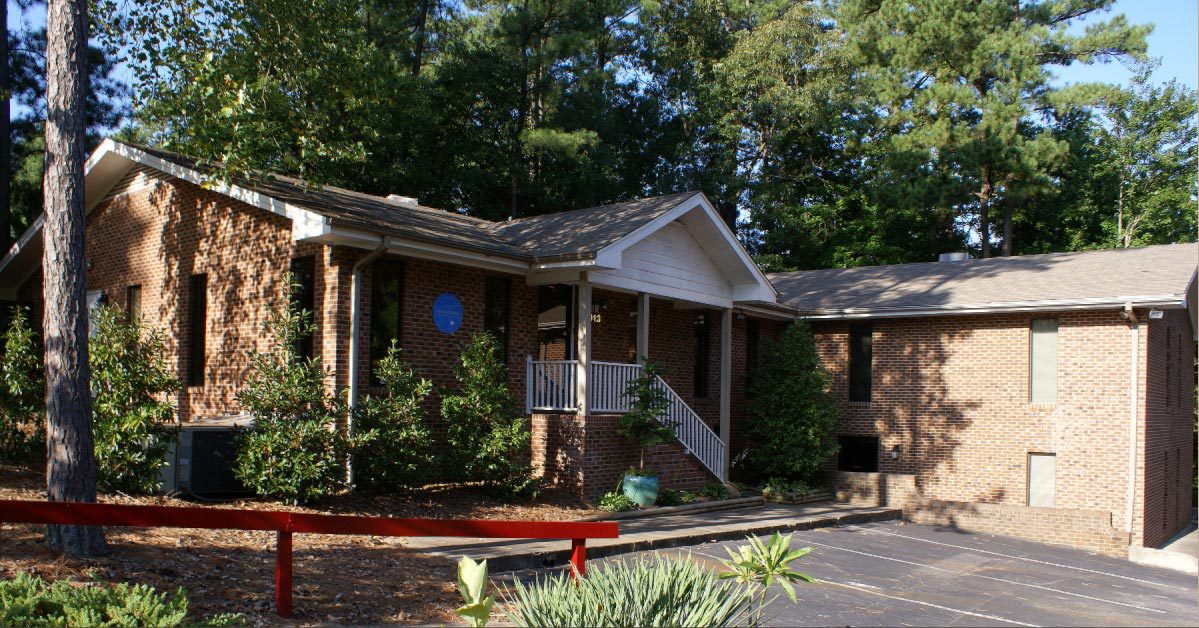
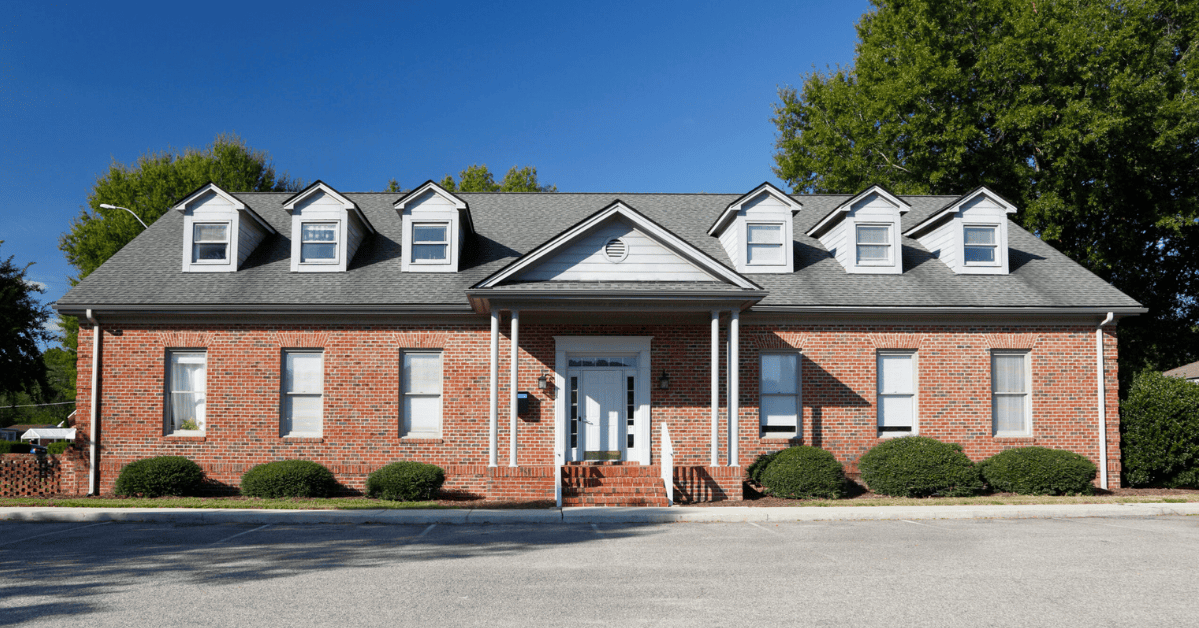
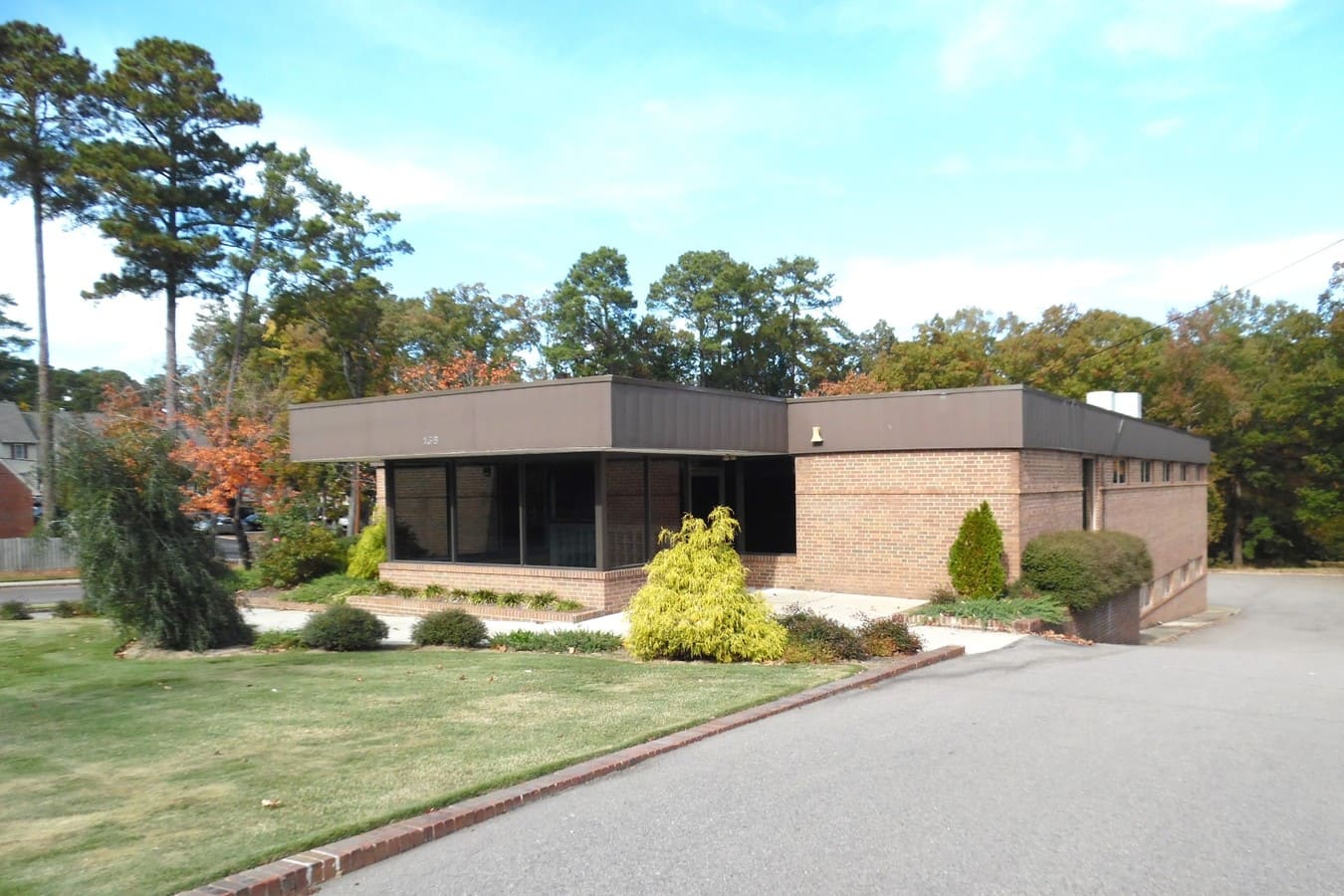
Available at the Following Locations
Want to see the network for yourself?
Bring your laptop on a tour, or ask us anything about connecting your equipment. Or call the number at the top of this page.