
Business VPN for Office Ours members
A VPN (virtual private network) is an encrypted tunnel between your device and another network. Everything you send travels inside the tunnel, so no one on the network you're sitting on can read it. Our business VPN will let members reach their office network from anywhere and browse safely on public Wi-Fi, and it will be included with your membership.

Reach your office network from anywhere
For office members. Every office member company has its own private network (VLAN) on our managed network. With our VPN, you and your employees will be able to connect to that private network from home or on the road, through our firewall, and reach your server, files and printers as if you were in the office.
Your server never goes on the public internet. It stays behind our firewall, and only people with your company's VPN login get through. That's the difference from a public static IP address or port forwarding, which open your server to the internet and leave its protection up to you.
Is public Wi-Fi safe for business?
Not by itself. On coffee shop, hotel and airport Wi-Fi, you share the network with strangers, and you can't see who set it up or who's watching it. A VPN keeps what you send private from everyone on that network. For all members, including virtual office members, our VPN will send your traffic through our network instead of the coffee shop's.
With our VPN on, the coffee shop network only sees scrambled traffic headed to Office Ours. Want to know what public Wi-Fi can expose? Read our guide to split tunneling vs. full tunnel VPNs.
How will the Office Ours VPN work?
We're building our VPN so it's ready when you are, with nothing extra to buy and no one to call to set it up.
Included with your membership
No separate VPN subscription to buy. It comes with your membership, like the internet in your office.
One for every employee
Each of your employees gets their own VPN access, so you never share logins.
Laptops, phones and tablets
Use our VPN software on the devices you actually work from, not just your laptop.
Ready on move-in day
Your VPN is set up automatically when your membership starts and ends on its last day. There's nothing to request and nothing to cancel.
You choose which traffic uses the VPN
On public Wi-Fi, send all of your traffic through the Office Ours network. At home, on a network you trust, send only your office traffic through the VPN and browse at full local speed. Not sure which to use when? See split tunneling vs. full tunnel VPNs.
Public Wi-Fi is their network. With our VPN, keeping you private on it is our problem.
Have a corporate IT team that needs a permanent connection to your office? See our corporate VPN tunnel.
Frequently asked questions
What is a VPN?
A VPN, or virtual private network, is an encrypted connection between your device and another network. Your traffic travels inside it, so people on the network you're using can't read it, and websites see the VPN network's address instead of yours.
Is the Office Ours VPN included with my membership?
Yes. Once it launches, our VPN will be included with your membership, with VPN access for each of your employees on their laptops, phones and tablets.
Can virtual office members use the Office Ours VPN?
Yes. Once it launches, all members, including virtual office members, will be able to use our VPN to browse safely on public Wi-Fi. Connecting to a private office network is for office members, since each office member company has its own private network.
When will the Office Ours VPN be available?
Soon. We're getting it ready now. Ask us a question and we'll let you know when it launches.
What if I need remote access to my office network before the VPN launches?
Ask us. If you need it now, we can usually set up a one-time VPN connection to your company's private network.
Additional Services available


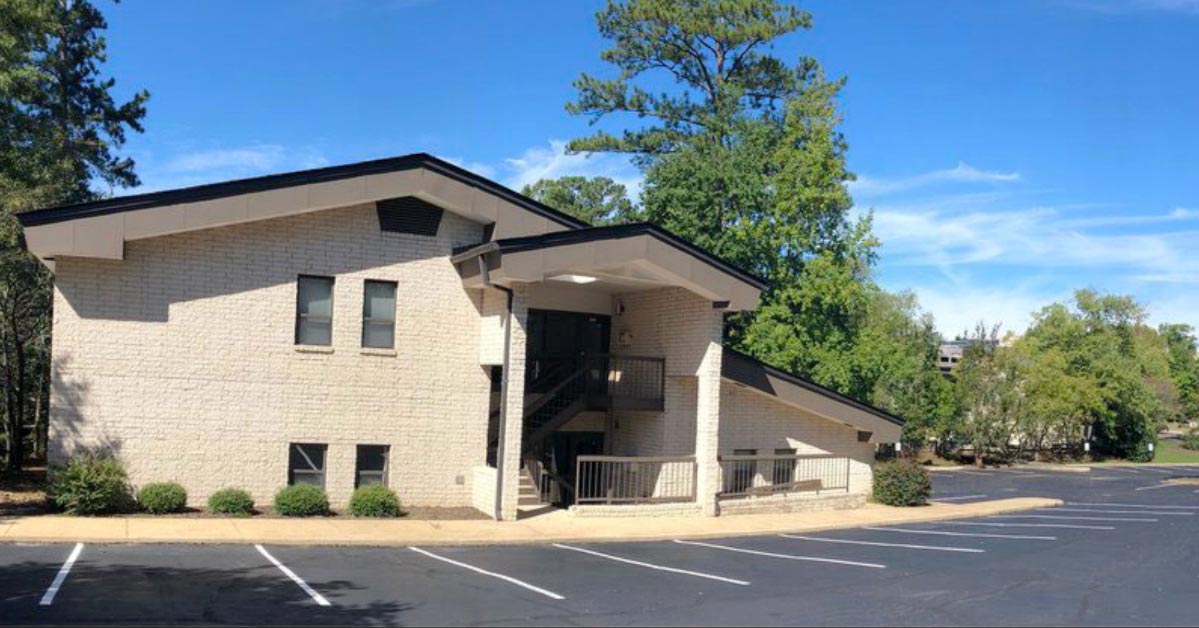
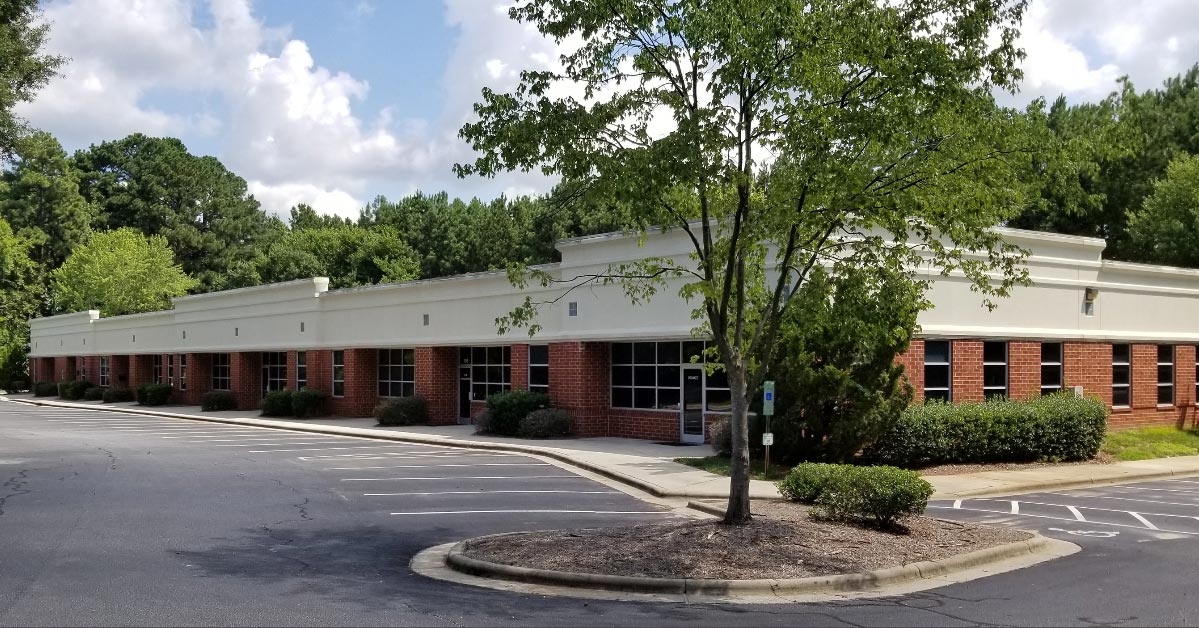
Available at the Following Locations



Want to know when our VPN launches?
Ask us a question and we’ll let you know. Or call the number at the top of this page.