
What is a vector logo file, and does your business need one?
Last updated October 26, 2026
A vector logo file stores your logo as shapes and lines instead of pixels, so it stays sharp at any size, from a business card to a building sign. Sign makers, printers and embroiderers usually ask for one. Common vector files end in .svg, .eps, .ai or .pdf.
Most small business owners find out they need a vector logo the day a sign shop or printer asks for one. This guide is for you if:
- the only copy of your logo is a .jpg or .png, or a picture saved from your website
- you’re about to order a sign, shirts, a vehicle magnet or anything printed
- you’re getting a logo made and want to know what files to ask for
What’s the difference between a vector file and a regular image?
A regular image, like a .jpg or .png, is a grid of tiny colored squares called pixels. A vector file stores your logo as points, lines and curves, so any program can redraw it crisp at any size and change its colors. Enlarge a pixel image and its edges turn blurry or blocky.
That’s why the logo that looks fine on your website can look fuzzy on a three-foot banner. The website only needed a few hundred pixels. The banner needs far more detail than the file has.
Why does a small business need a vector version of its logo?
Anything much bigger than a screen, or anything cut or stitched by a machine, usually starts from a vector file:
- outdoor signs, door and window lettering
- vehicle magnets and wraps
- embroidered shirts and hats
- banners and trade show displays
Which file extensions are vector files?
The most common vector files end in .svg, .eps, .ai, .pdf and .cdr. Files ending in .jpg, .jpeg, .png, .gif, .bmp, .webp or .heic are pixel images, even if they look sharp on your screen.
| Extension | What it is | Good to know |
|---|---|---|
| .svg | Scalable Vector Graphics, the web's standard vector format | Opens in any web browser. Many design tools, including Canva, can export it. |
| .eps | Encapsulated PostScript, an older print format | Some printers and sign shops still ask for it. |
| .ai | Adobe Illustrator's own format | Fully editable in Illustrator. The file many designers keep as the “master”. |
| Portable Document Format | Widely accepted for printing. It can hold vector artwork, but it can also just hold a picture (see below). | |
| .cdr | CorelDRAW's own format | Best opened in CorelDRAW. |
| .wmf, .emf | Windows metafiles, an older Windows format | Less common for logos today. |
The extension alone doesn't prove it. A .pdf or .eps can contain a plain picture, and renaming logo.jpg to logo.svg doesn't change what's inside. To check, open the file and zoom in as far as you can. If the edges stay crisp, it's vector. If they turn fuzzy or blocky, it's a picture.
Which programs can open a vector file?
A web browser can show an .svg file, and any PDF reader can show a .pdf. To edit vector files, use a design program such as Adobe Illustrator, CorelDRAW or the free Inkscape. Canva can download your designs as SVG or print-ready PDF files.
| Program | Cost | What it's good for |
|---|---|---|
| Adobe Illustrator | Paid subscription | The industry standard. Opens and saves .ai, .eps, .svg and .pdf. |
| Inkscape | Free | Edits .svg (its main format) and traces pictures into vectors. |
| CorelDRAW | Paid | Opens and saves .cdr, plus other common formats. |
| Canva | Free and paid plans | Designs that download as .svg or print-ready .pdf. Canva's help page says transparent SVG downloads need a paid plan. |
| Web browsers | Free | View .svg files (Chrome, Edge, Safari, Firefox). |
| PDF readers | Free | View .pdf files. |
What should I ask a designer for?
Ask for a logo package with your logo in vector and pixel formats, in color and in one color. A typical package includes:
- a vector master file (.ai or .eps) plus .svg and .pdf copies
- a full-color version
- a one-color black version, for signs, stamps and forms
- a one-color white version, for dark backgrounds
- .png files with a transparent background, for your website and email signature
- text converted to outlines, so the logo prints correctly even without your fonts installed
Save the whole package somewhere you'll find it again.
Common mistakes to avoid
- Sending a screenshot. A picture of your logo copied from your website is the smallest, fuzziest version you have.
- Pasting a picture into a PDF. The file ends in .pdf, but the logo inside is still pixels.
- Renaming the file. Changing .jpg to .svg doesn’t convert anything.
- Having only one color version. Many signs, embroidery and engraving use one color. Plan a black-and-white version that still reads.
- Tiny details. Thin lines and small taglines disappear on a sign seen from the road. Keep a simplified version for small or distant uses.
Where Office Ours fits
When you rent an office with us, you can put your company name and logo on a placard on our outdoor sign. A vector logo isn’t required to rent an office, and placards can be text only. But if you want your logo on the sign, our sign company needs a vector file, and having one ready means your placard can be ordered right away. See how to rent an office for everything else to have ready, or ask us a question.
Frequently asked questions
Is a PDF always a vector file?
No. A PDF can hold vector artwork, but it can also hold a plain picture. If your logo was pasted into a document as a .jpg and saved as a PDF, it’s still pixels. Zoom in: if the edges stay crisp, the logo is vector.
Can I turn a .jpg or .png into a vector file?
Yes, by tracing or redrawing it. Inkscape and Adobe Illustrator can trace a picture into vector shapes, and a graphic designer can redraw it by hand. The cleaner and larger the original, the better the result.
What file should I send to a sign shop or printer?
Ask them first. A .pdf, .eps or .ai file is widely accepted, and many shops take .svg. Whatever you send, make sure the logo inside is vector, not a picture.
Is an SVG file good for printing?
Often, yes. SVG is a vector format, so it scales cleanly, and many print and sign shops accept it. Some still prefer .pdf, .eps or .ai, so check with the shop before you order.
Do I need a vector logo to rent an office at Office Ours?
No. A vector logo only matters if you want your logo on a placard on our outdoor sign. Text-only placards don’t need a logo file at all.
Can Claude convert a picture logo to a vector graphic logo?
Yes, for most simple logos. Give Claude a clear .png or .jpg of your logo and ask for an SVG version, then compare the two side by side. Detailed artwork and custom lettering may not match exactly, so a designer or a tracing tool is the better choice for complex logos.
Sources
- CorelDRAW: What are vector files? (vector vs. pixel images, common formats)
- Linearity: Vector file formats explained (SVG, EPS, AI and PDF)
- Inkscape: About and Tracing an image
- Adobe: Optimize results using Image Trace
- Canva Help: Download file types
- U.S. Copyright Office: Copyright and Artificial Intelligence (Part 2, Copyrightability, 2025)
- USPTO: Search our trademark database
Additional Services available



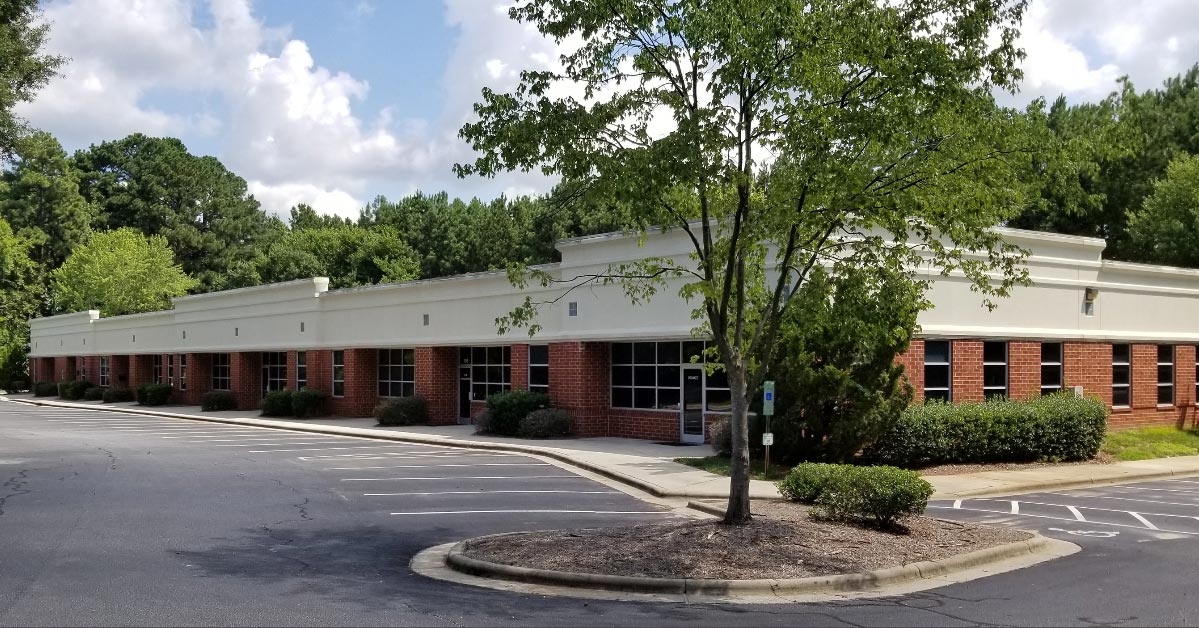
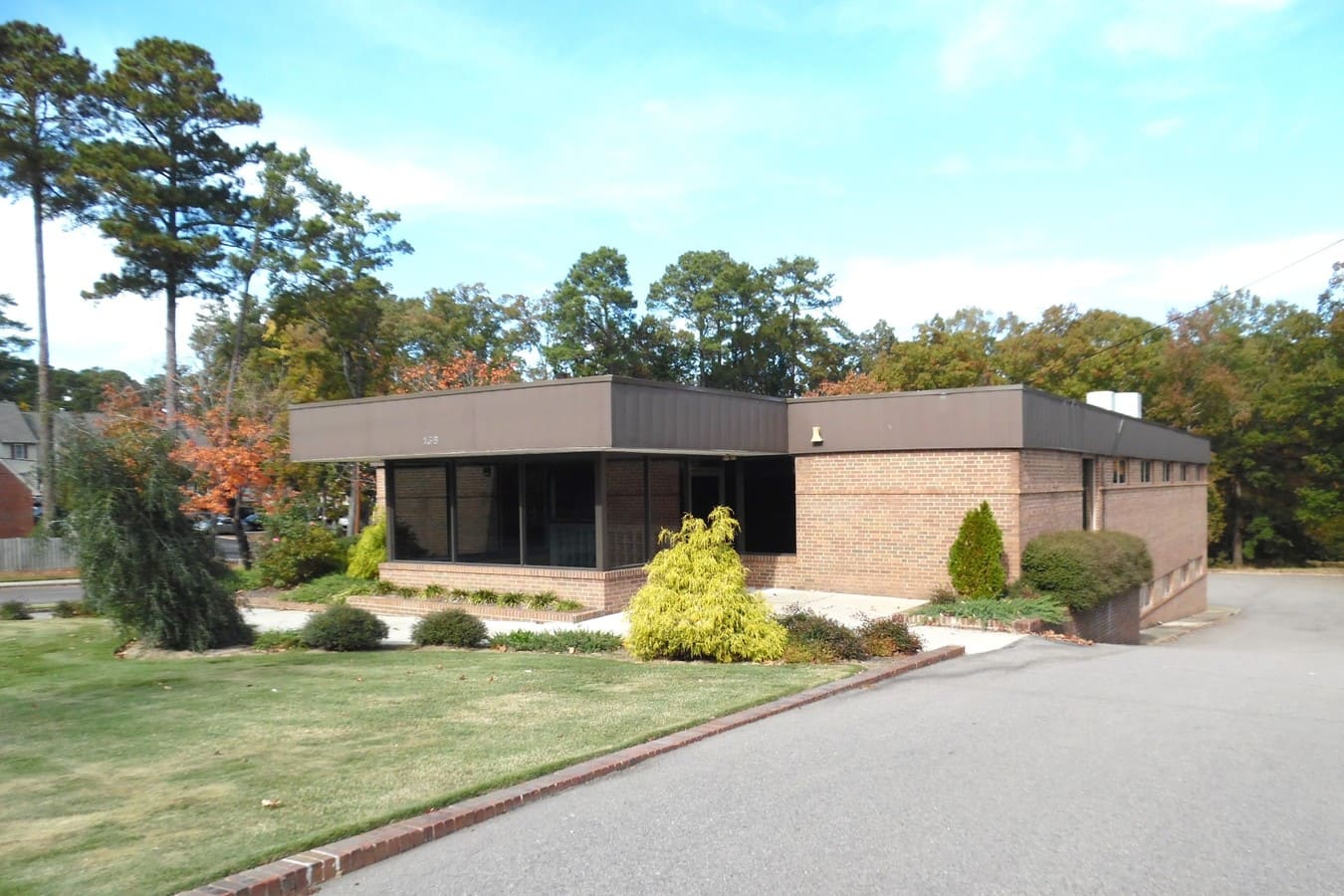
Available at the Following Locations



Getting ready for your own office?
Tell us about your business and we’ll help you find the right office, sign and all. Or call the number at the top of this page.