
Your business name by your office door
Every Office Ours office has a sign holder right next to the door. Before you move in, we put a sign with your business name in it, so clients, patients and delivery drivers know they've found you the moment they reach your hallway.
Then make it your own. Design a sign with your logo, phone number, hours and a QR code, print it on our shared printer and slide it in. Add a business card holder, a brochure holder or even a doorbell. It's a small thing that makes a one-person business look established.

What's on every office sign
The sign holder next to your door is part of the office. Here's what it has.
Your suite number
In large print, so visitors can match it to the address you gave them.
Braille
The suite number is also in braille.
A slot for your sign
Your sign slides into a slot that fits a half sheet of letter paper: 8.5 by 5.5 inches.
Hooks for holders
Newer sign holders have hooks for up to two card, brochure or doorbell holders. Ask which offices have them.

What to put on your office sign
Anything that's appropriate for a professional building. Check off what you want as you plan your sign.
Make your own sign in four steps
- Design it. Use any design tool you like, such as Word, Google Docs or Canva, at half-letter size (8.5 by 5.5 inches). Want a head start? Ask us for our Office Ours sign template.
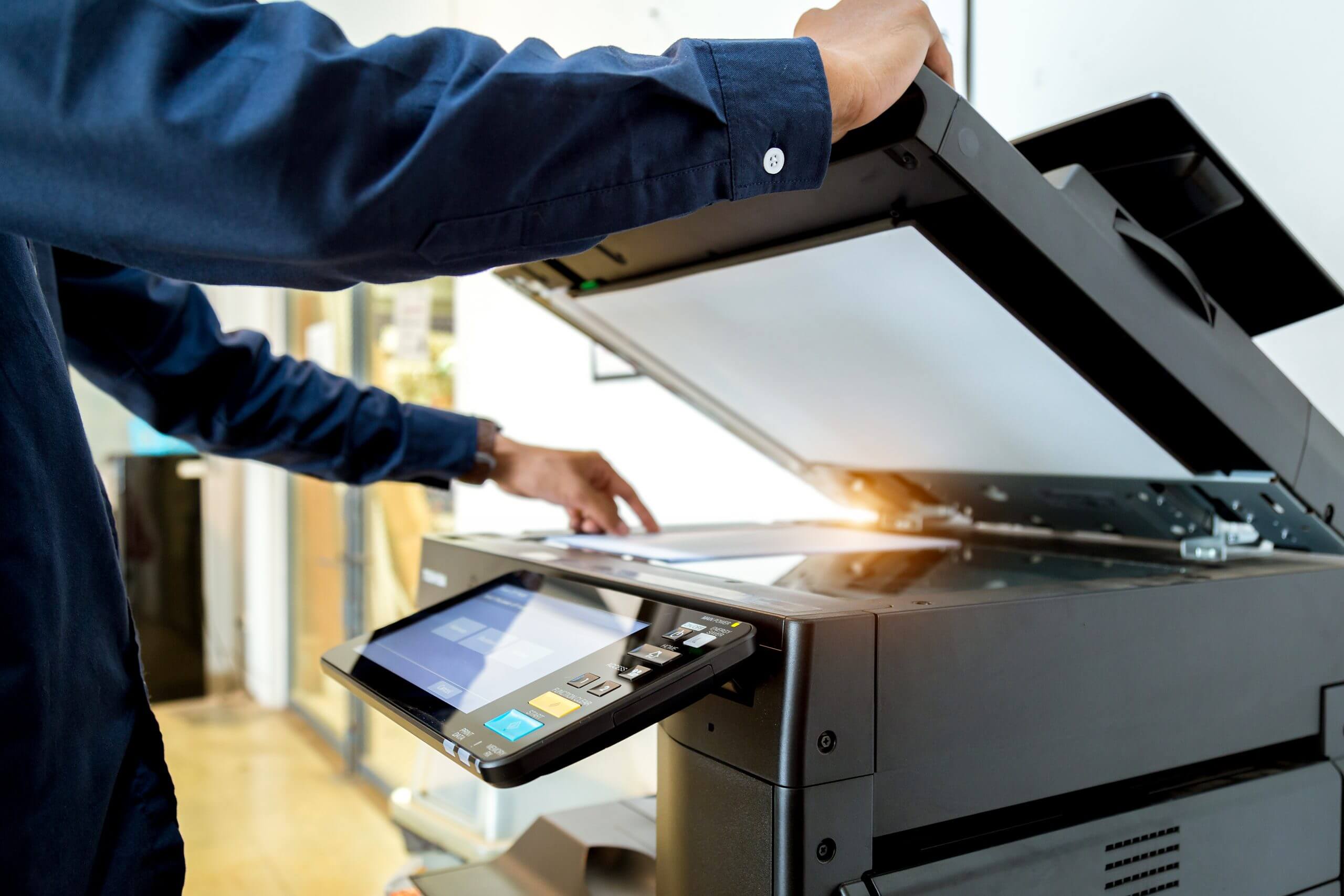
- Print it here. Print it on the shared printer in our copy center using your free monthly print credits.
- Fold or trim it to a half sheet, 8.5 by 5.5 inches.
- Slide it in. Use your new sign to push the old one out of the slot.


Not a designer? Keep it simple: your name and logo, a phone number and a QR code are plenty.
Business card, brochure and doorbell holders
Newer sign holders have hooks for up to two holders. Mix and match.


Business cards
A single or double card holder lets visitors take your card, even when you're out.
Brochures
A tri-fold brochure holder for your menu of services, price sheet or new-client forms.
A doorbell
A flat plate holds a battery-powered doorbell or doorbell camera, so clients can let you know they've arrived while you finish with someone else.
Members can ask for holders through a Help Desk ticket in the member portal. Supplies are limited, so they go out first come, first served.
Why your office sign matters
- New clients find your door without calling you from the hallway.
- Your business looks established, not like someone renting a spare room.
- Google may ask for a video showing your business name at your location before it verifies your Business Profile. Your office sign is part of that. See Google Business Profiles and virtual offices.
- Your card and brochure holders keep working when you're out of the office.
- Want your business on the sign outside the building? See outdoor signage.
Frequently asked questions
Does my office come with a sign?
Yes. Every office has a sign holder next to the door, and before you move in we put a sign with your business name in it.
Can I make my own office sign?
Yes, and we encourage it. Design a half-letter sign (8.5 by 5.5 inches) with your logo, contact information, hours or a QR code, print it on our shared printer and slide it into the sign holder.
Can I print my sign at Office Ours?
Yes. Print it on the shared printer in our copy center using your free monthly print credits.
Can I add a business card or brochure holder?
Yes, where your sign holder has hooks. You can hang up to two holders: single or double business card holders, or a tri-fold brochure holder. Open a Help Desk ticket in the member portal to ask for one. Supplies are limited.
Can I put a doorbell or doorbell camera by my door?
Yes, on a flat holder plate that hangs from your sign holder, where your sign holder has hooks. Use a battery-powered doorbell or doorbell camera. Don't mount anything on the door or wall itself.
Can I put other signs on my office door?
Not without our written permission. Your sign goes in the sign holder next to your office. Tape and adhesive hooks damage the doors and walls, and repairs are charged to your account.
Can I put my business on the sign outside the building?
Yes, if there's space. See outdoor signage for how it works and what it costs.
Didn't see your question? Ask a question or call the number at the top of this page.
Additional Services available


Available at the Following Locations



Ready to see your name by the door?
Tell us a little about your business and we’ll help you find the right office. Or call the number at the top of this page.