
The keys to the kingdom: 24/7 access to every location
It's Sunday night, and a contract has to go out before Monday's first meeting. Or a client can only meet at 7 in the morning.
Your business doesn't keep banker's hours, and neither should your office. Waiting for someone to open the door, or printing at a store that's already closed, costs you time and sometimes the deal.
When you join Office Ours, you get two keys. Your mailbox key unlocks your business address. Your keycard opens our locations 24/7, so your office, the conference rooms, the Wi-Fi and the printers are there whenever you need them.
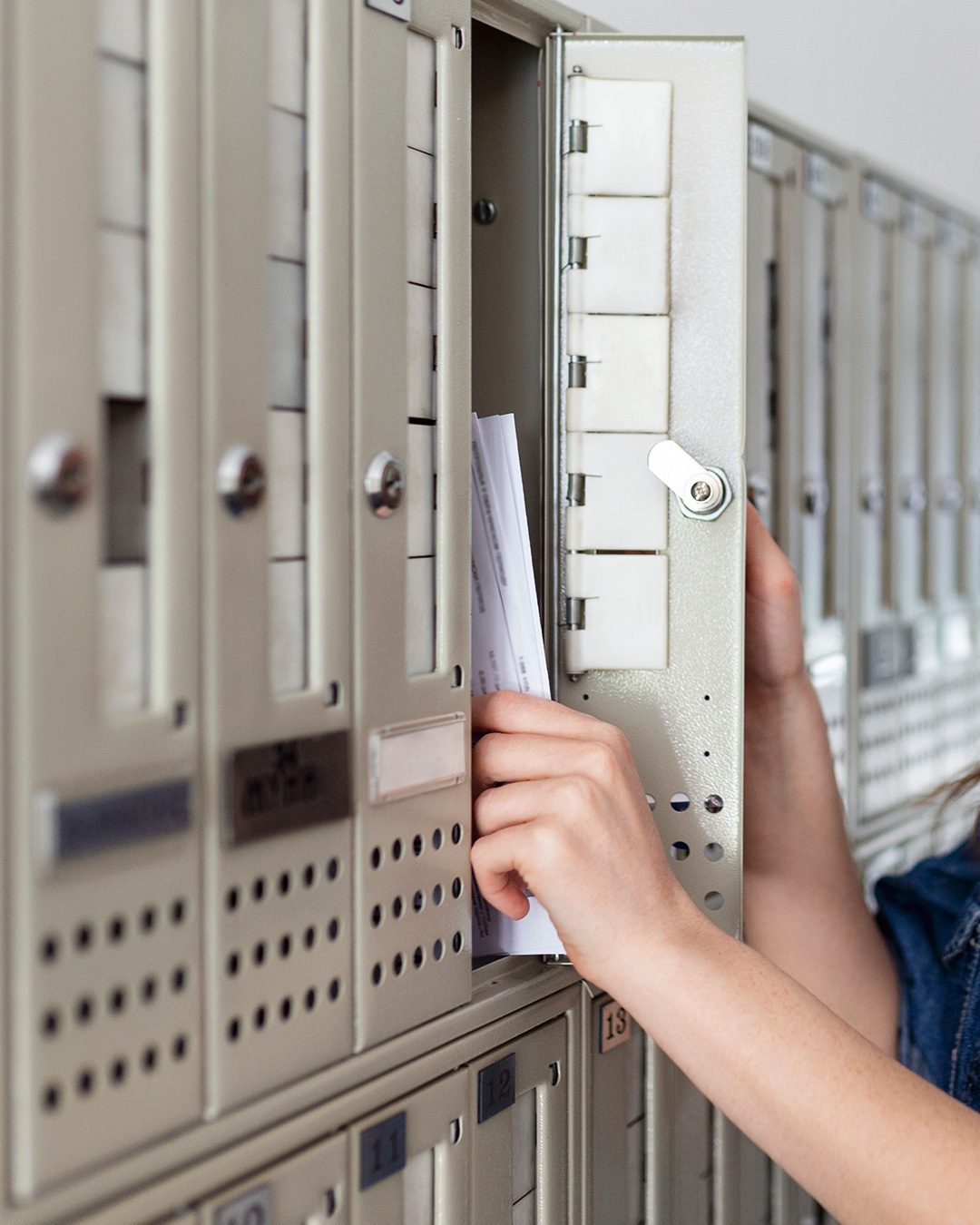
What are the two keys?
Your mailbox key
Opens the mailbox you're assigned when you move in. It's the key to your business address: your mail and packages land at a commercial office building, not your house, and you can pick them up any time.
Your keycard
Opens the front door at every Office Ours location, 24 hours a day, 7 days a week. One card, every location, any hour.
What does your keycard do?
- Unlocks the front door at every location, 24/7.
- Unlocks your office door, if you rent an office.
- Releases your print jobs. Send a document to the printer, then tap your card at the printer to print it, so confidential pages never sit in the tray. See hold and release printing.
Keys for your team
Your team changes. Your keys keep up, with a help desk ticket in the member portal.
- Hiring? Send us your new employee's details, and we'll set them up with their own keycard, Wi-Fi login and member portal account.
- Someone leaving? Tell us their last day, and we'll turn off their keycard, Wi-Fi login and member portal account.
- Lost a keycard? Tell us, and we'll turn off the lost card so it can't open anything, then set you up with a replacement.
What can you do at 2am on a Sunday?
With your two keys, everything you rent from us is open when you are:
- Get your mail from your mailbox.
- Work in your office.
- Meet in a conference room, booked online in the member portal, at any location and any hour.
- Connect to Wi-Fi at every location.
- Print, copy and shred in the copy center.
Which plans come with which keys?
| Office | Virtual office | Conference room plan | |
|---|---|---|---|
| Keycard: front door, 24/7, every location | Yes | Yes | Yes |
| Keycard: your office door | Yes | No office | No office |
| Keycard: print release | Yes | Yes | Yes |
| Mailbox key and business address | Yes | Yes | No |
Keeping the doors locked to everyone else is our job. Walking in whenever you want is yours.
Frequently asked questions
Can I get into my Office Ours office at night and on weekends?
Yes. Your keycard opens the front door of every Office Ours location 24 hours a day, 7 days a week, and it also unlocks your office door.
Does my keycard work at every location?
Yes. One keycard opens the front door at every Office Ours location, so you can meet, print and work wherever your day takes you.
Do virtual office members get a keycard?
Yes. Virtual office members get a keycard for 24/7 access to every location, plus a mailbox key for the mailbox at their business address.
Does a conference room plan come with a mailbox key?
No. A conference room plan comes with a keycard for 24/7 access. A mailbox and business address come with a virtual office or an office.
Can my employees get their own keycards?
Yes. Open a help desk ticket in the member portal with your employee's details, and we'll set them up with their own keycard, Wi-Fi login and member portal account. New keycards come with a fee for the card.
What happens if I lose my keycard?
Open a help desk ticket in the member portal. We'll turn off the lost card so it can't open any door, and set you up with a replacement. Replacement keycards come with a fee for the card.
What happens when an employee leaves?
Open a help desk ticket in the member portal with their last day. We'll turn off their keycard, their Wi-Fi login and their member portal account.
How does print release work?
Send your document to the shared printer, then tap your keycard at the printer. Your pages print only when you're standing there, so confidential documents don't sit in the tray. See hold and release printing.
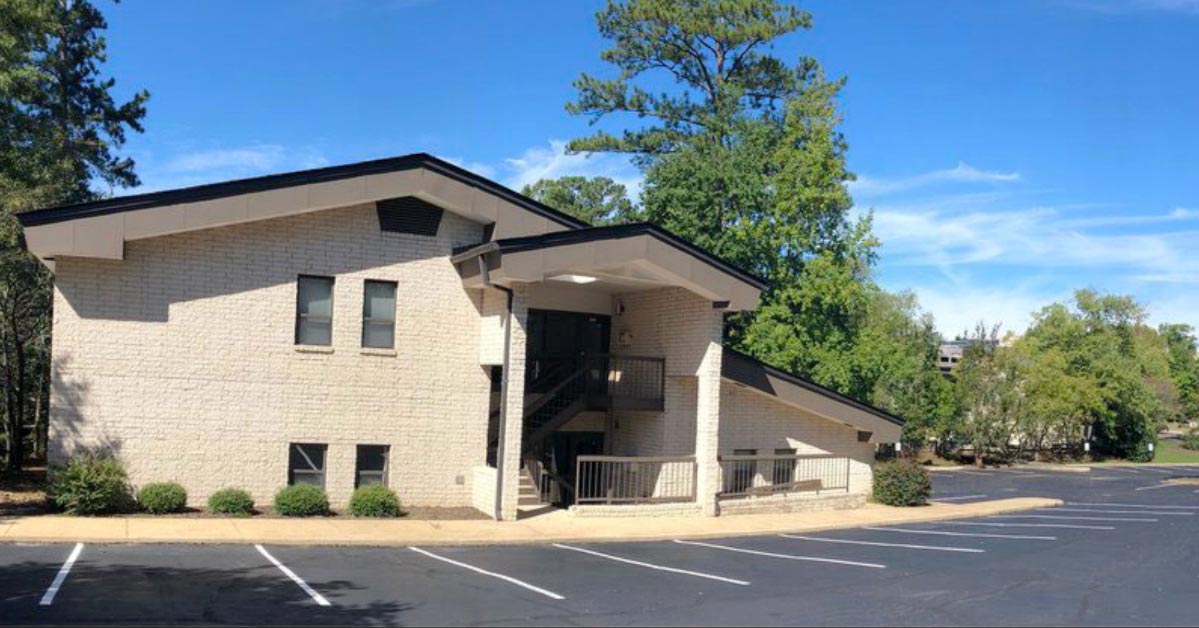
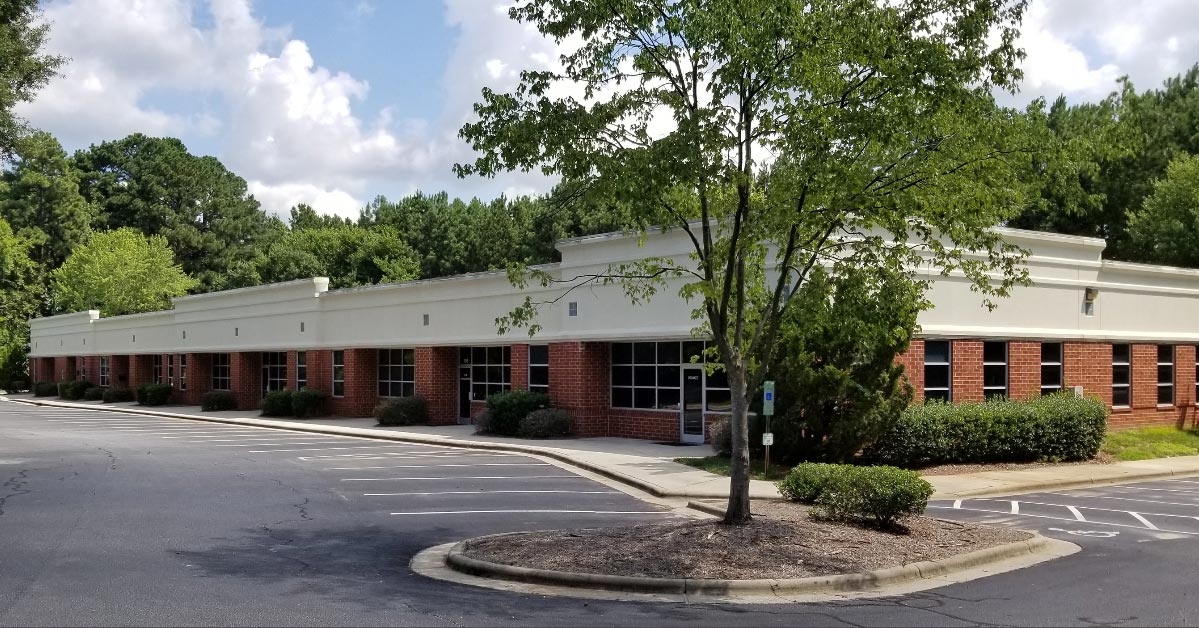
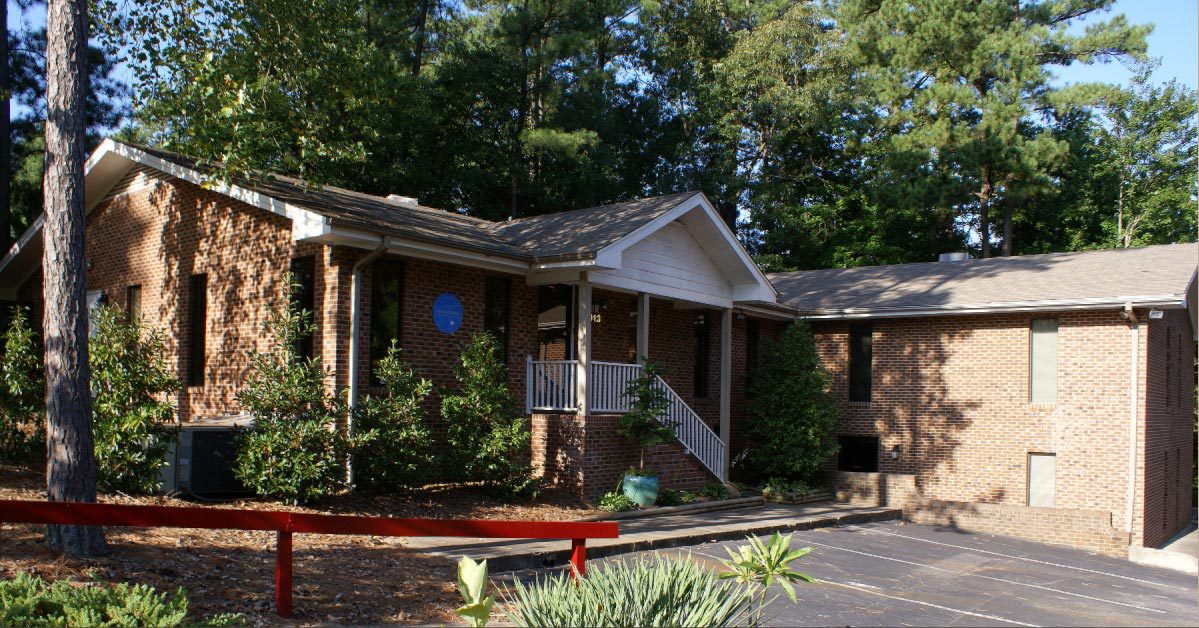
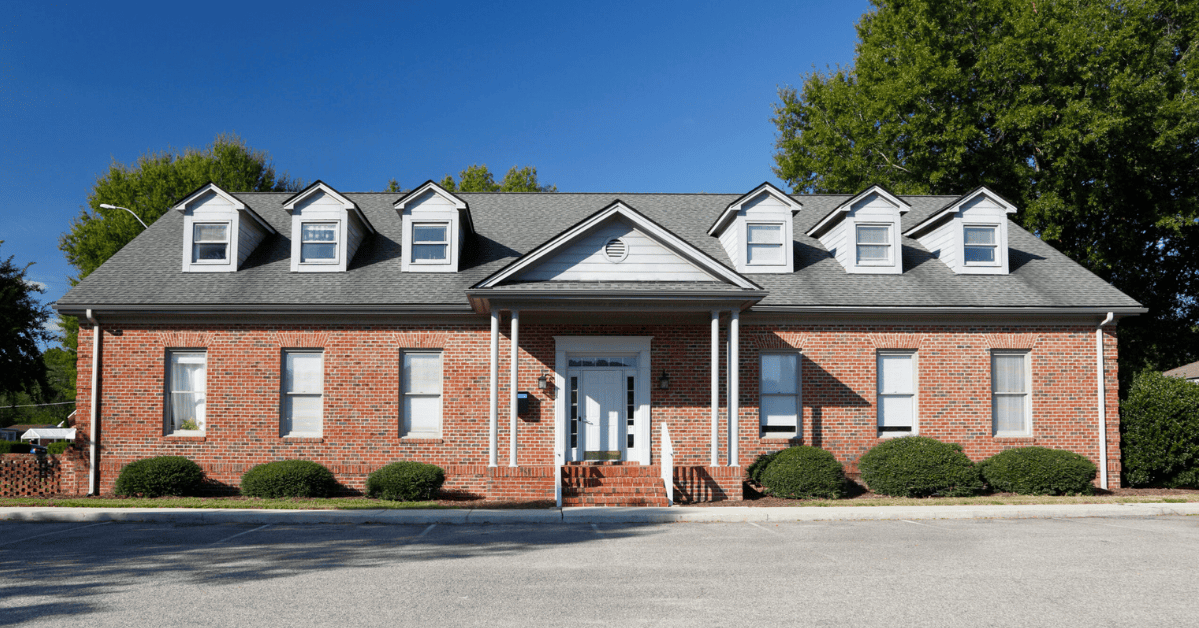
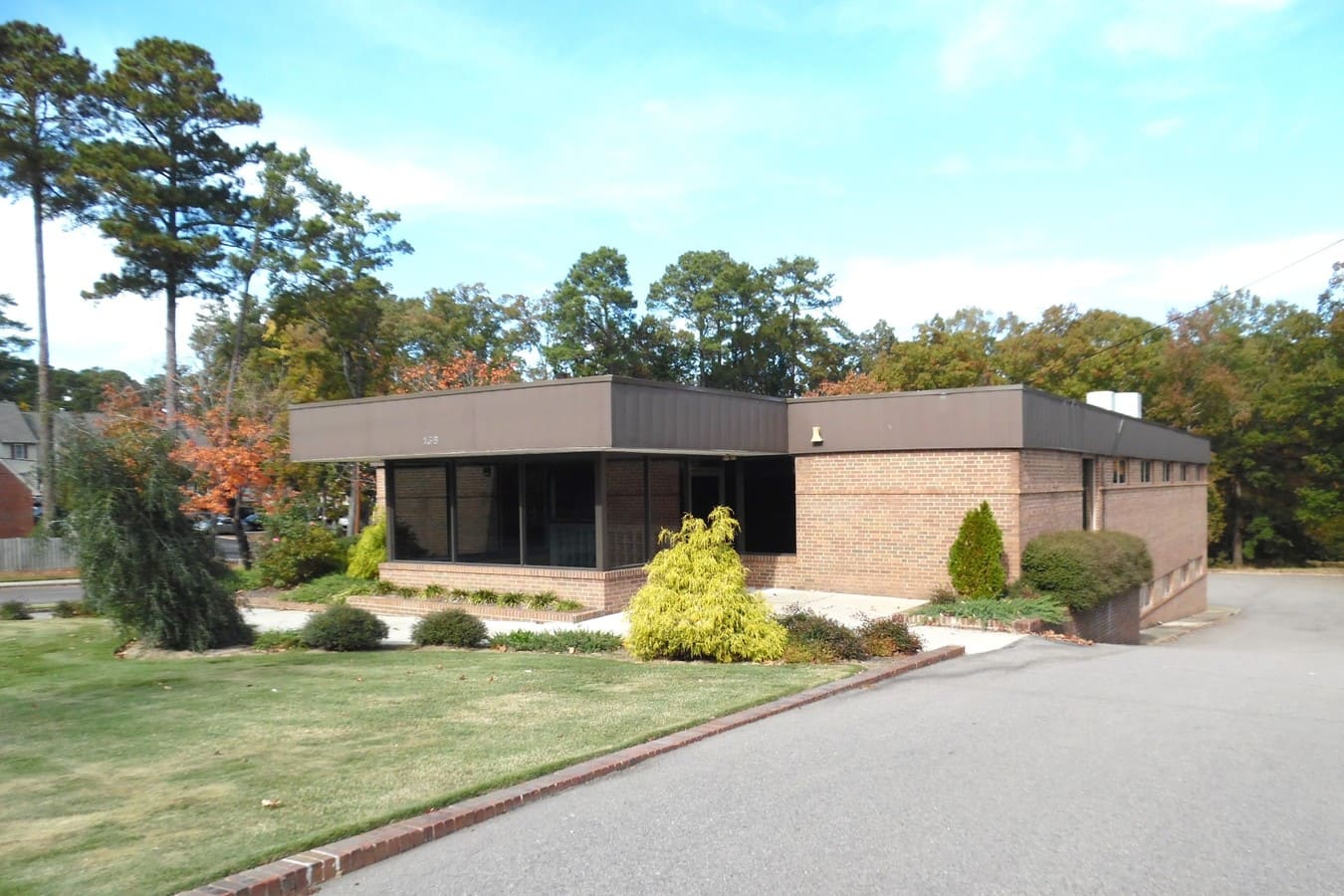
Available at the Following Locations
Get your keys
Ask us about an office, a virtual office or a conference room plan. Or call the number at the top of this page.