
Professional printers that do what a home printer can't
Ten copies of a 40-page proposal, punched for binders, by 9:00 tomorrow. On a home printer, that's 400 pages one at a time, a stack to sort by hand and an evening with a hole punch. Copying the signed original? Most home printers can't copy at all, and the ones that can do it one page at a time on the glass.
Every Office Ours copy center has a professional printer and copier. It prints 30 pages a minute, copies and scans a whole stack of originals on both sides, sorts big jobs into sets, and fastens and punches them for you. Using it is free; your prints come out of your monthly printing credits.

What can the copy center printers do?
Six things you'd otherwise drive to a print shop for, down the hall from your office.
30 pages a minute
A 100-page contract prints in a little over three minutes, in black and white or color.
Copy a whole stack
Drop a stack of originals in the document feeder and copy both sides of every page. No standing at the glass turning pages.
Scan a whole stack
The same feeder scans both sides of a stack to your email or a USB flash drive, free. A box of paper files becomes PDFs in minutes.
Collated sets
Print ten copies of a long document and each copy comes out as a complete set, offset in the tray so the sets don't run together.
Fastened and punched
The finisher fastens sets of up to 5 sheets without a staple, by crimping the pages together, and 3-hole-punches pages for binders.
Always ready
We keep the paper and toner stocked, clear the jams and call the technician, so the printer is ready when you are.
How does it compare to a home printer?
| Typical home printer | Office Ours copy center | |
|---|---|---|
| Copying | Often none. If it copies, one page at a time on the glass. | A whole stack from the document feeder, both sides. |
| Scanning | One page at a time. | A whole stack, both sides, to your email or a USB drive. |
| Big jobs | Pages pile up in order; you sort them into sets. | Collated into complete sets, offset in the tray. |
| Finishing | A stapler and a hole punch on your desk. | Fastened without a staple or 3-hole-punched as it prints. |
| Upkeep | You buy the toner and paper, clear the jams and fight the drivers. | We keep it stocked and running. You open a help desk ticket if something's wrong. |
What if I need special paper?
Almost every job prints on the letter-size paper we keep in the drawers. For the rare job that needs something else, such as card stock, envelopes, labels or a larger sheet, bring your own and load it in the bypass tray on the side of the printer. Sharp's specifications list sheets up to 12 x 18 inches and card stock up to 110 lb cover.
How do I collate, fasten or punch a print job?
When you print from your laptop, choose the number of copies and the finishing you want (collate, fasten or hole punch) in the print settings. Then tap your keycard at the printer to release the job. When you copy, pick the same options on the printer's touchscreen.
Keeping the printer stocked and running is our job. Picking up the finished sets is yours.
Frequently asked questions
How fast is the copy center printer?
30 pages a minute, in black and white or color.
Can I copy a stack of pages at once?
Yes. Put the stack in the document feeder and it copies or scans both sides of every page.
Does it cost extra to collate, fasten or hole-punch?
No. The collator and finisher are free to use. Your pages come out of your monthly printing credits, the same as any print job.
Can it fasten my pages together?
Yes. The finisher fastens sets of up to 5 sheets without a staple, by crimping the pages together.
What paper do you stock?
Letter-size paper, always. For the rare job that needs card stock, envelopes or a larger sheet, bring your own and load it in the bypass tray.
Can it make booklets?
No. The printers fasten and punch pages, but they don't fold and saddle-stitch booklets.
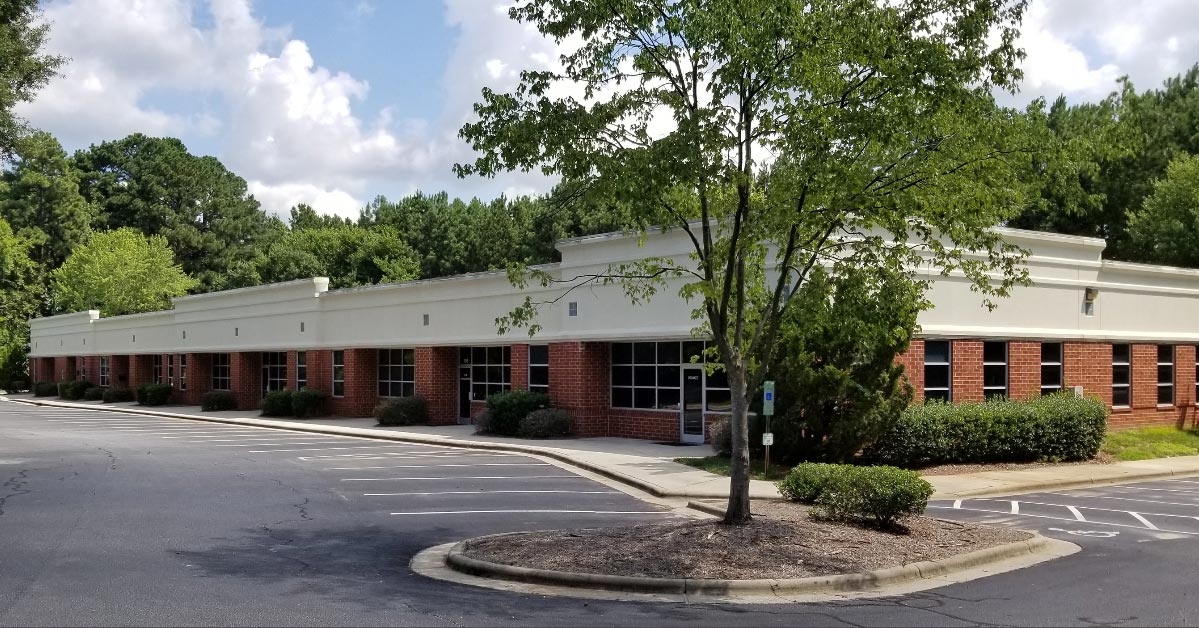
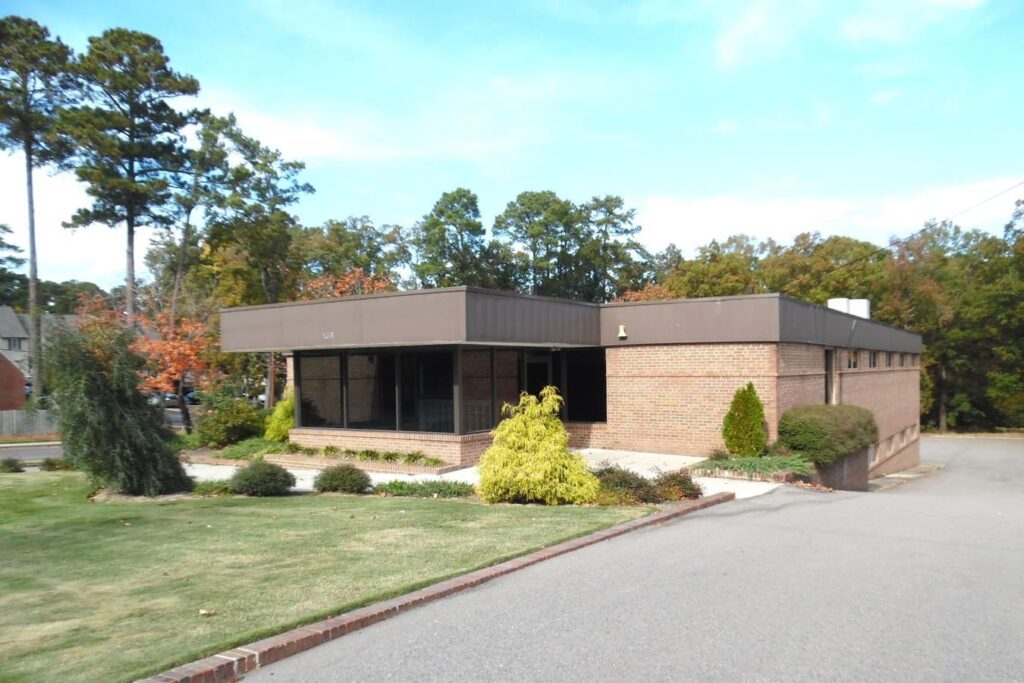
Available at the Following Locations



Skip the print shop
Ask us about an office, a virtual office or a conference room plan. Or call the number at the top of this page.