
Hold and release printing: your print jobs wait for you
You print a client's intake form, then the phone rings. Twenty minutes later you remember it, and it's been sitting in the printer tray of a shared copy center the whole time, where anyone walking by could read it.
With hold and release printing, that doesn't happen. Your print job waits in an encrypted queue, where not even Office Ours staff can read it. Nothing prints until you walk up to the printer and tap your keycard, so your pages come out while you're standing there to pick them up.

How hold and release printing works
- Print from your computer as usual. Install the printer driver once from the member portal. Your job goes to the Office Ours print queue instead of straight to a printer. It's encrypted there, and not even our staff can open or read it.
- Walk up to any Office Ours printer. At your location or any of our other locations, any time within 36 hours.
- Tap your keycard and pick your job. It prints right then, while you're standing at the printer. Nothing sits in the tray waiting for you.
One keycard: the building, your office and the printer
The same card that gives you the keys to the kingdom releases your print jobs. One card, three locks, nothing extra to carry or remember.
The building
Opens the front door at every location, 24/7.
Your office
Opens your office door, if you rent an office.
The printer
Releases your print jobs at any Office Ours printer.
Why it matters in a shared copy center
Most leaks of printed information aren't the work of hackers. They're ordinary moments: a page left in the tray, a stack picked up by the wrong person, a document grabbed with someone else's. In a copy center shared by many businesses, hold and release printing takes those moments off the table.
- No forgotten printouts. If you never make it to the printer, nothing prints. Unreleased jobs are deleted from the queue after 36 hours.
- No mix-ups. Your pages print only when you're there, so they can't end up in someone else's stack.
- Private in the queue, too. Jobs wait encrypted, and not even our staff can read them.
- Less waste. Jobs you change your mind about never print, so they don't use up your printing credits.
- Print from anywhere. Send a job from home or the road, and release it at whichever location you get to first.
Protecting patient and client information on paper
If you work with health information, you already know HIPAA's Privacy Rule protects it in every form, including the pages that come out of a printer. Practices tend to invest in protecting electronic records while printed records get less attention, and most problems with printed health information come from everyday slips: a page left on a printer, papers sent to the wrong person, records thrown out without shredding.
The same goes for anyone handling personal information: tax returns, payroll, legal files, background checks, financial statements. Hold and release printing is one practical habit that keeps those pages in your hands. Pair it with our free P-5 shredder for the day those pages are done, and a locked office for the time in between.
Hold and release printing is one part of how you protect information; it doesn't by itself make a business compliant with HIPAA or any other law. Your policies, training and records practices matter too. Check with your compliance advisor about what your business needs.
Who uses hold and release printing?
- Therapists, counselors and health practices printing intake forms, treatment notes and insurance paperwork.
- Home health care agencies printing patient care plans and staff records.
- Tax preparers and bookkeepers printing returns, statements and Social Security numbers.
- Attorneys and paralegals printing contracts and case files.
- Property managers and real estate agents printing applications, background checks and leases.
- Any owner printing payroll, HR files or a business plan they'd rather keep to themselves.
Keeping your print jobs private is our job. Picking them up is yours.
Good habits for printing confidential pages
- Release, collect, go. Release your job when you're ready to take it straight back to your desk.
- Keep your keycard to yourself. It's your key to the building, your office and your print jobs. Don't lend it.
- Report a lost keycard right away. Open a help desk ticket in the member portal, and we'll turn the lost card off.
- Print only what you need. The fewest copies of a sensitive document are the easiest to protect.
- Shred when you're done. The shredder is a few steps from the printer.
Frequently asked questions
What is hold and release printing?
Your print job waits in a queue instead of printing right away. It prints only when you walk up to the printer and tap your keycard, so nothing sits in the tray where someone else could read it.
Can Office Ours staff see my print jobs?
No. Print jobs wait in an encrypted queue, and not even Office Ours staff can read them.
How long does my print job wait?
Up to 36 hours. If you don't release it in that time, it's deleted from the queue and never prints.
Can I print at one location and pick it up at another?
Yes. Every Office Ours printer is connected to the same print server, so you can send a job from one location and release it at any of our other locations.
What do I use to release my print jobs?
Your keycard, the same one that opens the building 24/7 and your office door.
Does hold and release printing make my practice HIPAA compliant?
No single tool can do that. Hold and release printing helps keep printed patient information out of the wrong hands, which is one part of protecting it. Your policies, training and records practices matter too, so check with your compliance advisor.
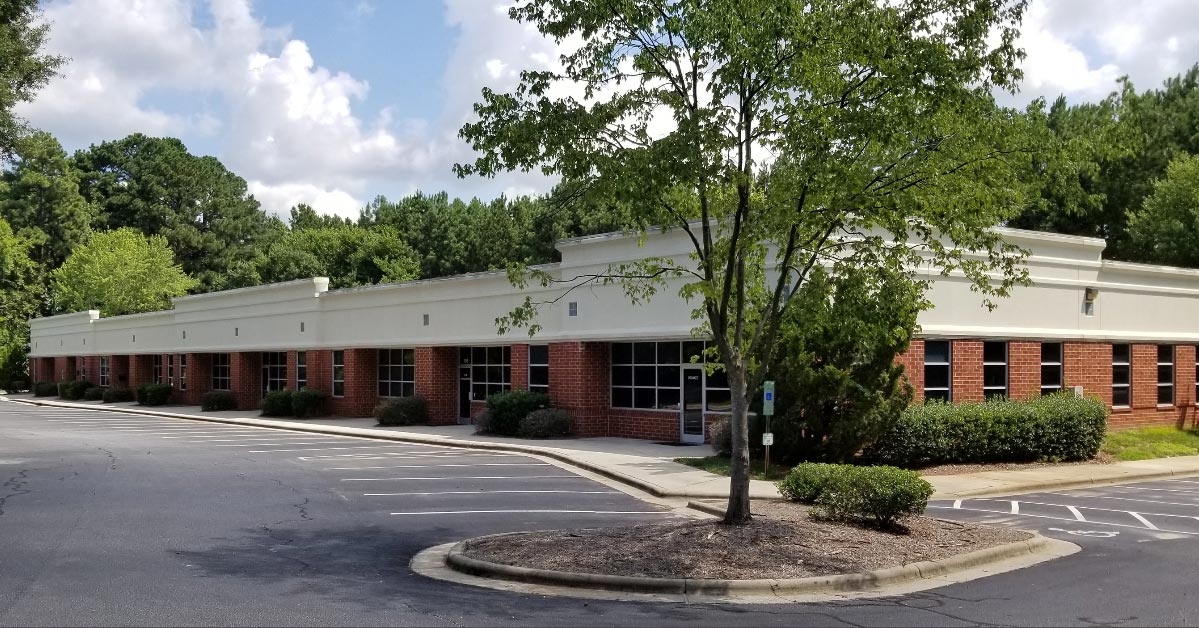
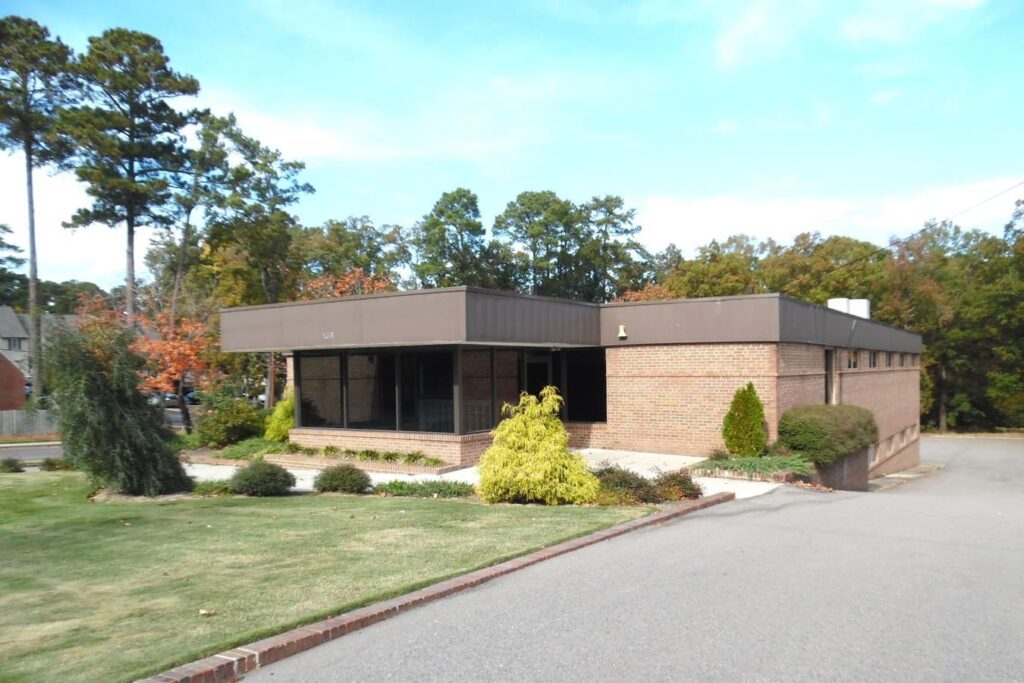
Available at the Following Locations



Print it when you’re there to pick it up
Ask us about an office, a virtual office or a conference room plan. Or call the number at the top of this page.